
Tell it what you need
“Dog food.” “Flowers for my girlfriend after 4pm.” “Mia’s birthday Saturday, need a cake and $60.” Needit picks out the item, who it’s for and when.
Your mind is already full. Tell Needit what you need and put it down. It holds onto it, finds the right store, and taps you when you’re close to one.
“Thankfully, I don’t have to think about this until then.”
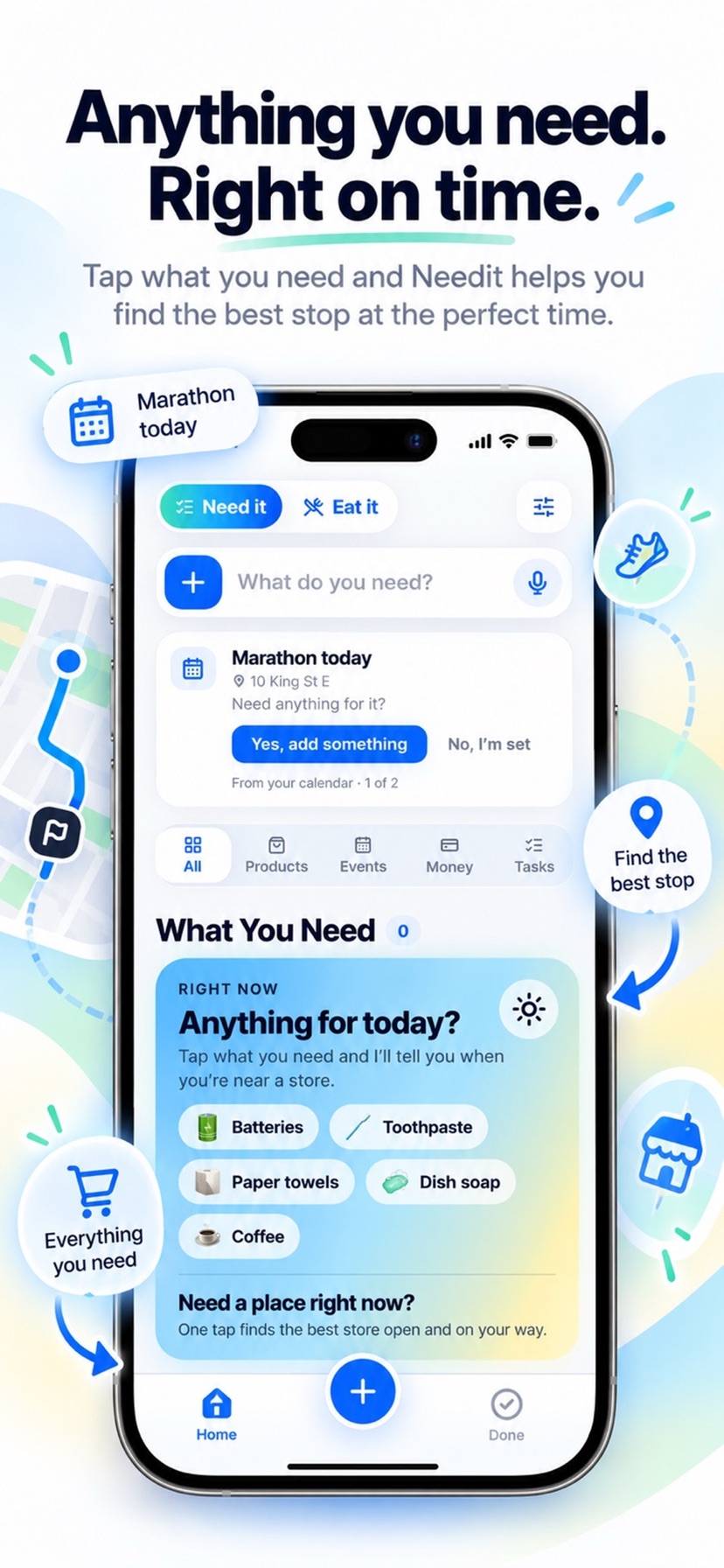
No lists to manage, no stores to pick. Say it the way you’d text a friend, and Needit does the remembering.
“Dog food.” “Flowers for my girlfriend after 4pm.” “Mia’s birthday Saturday, need a cake and $60.” Needit picks out the item, who it’s for and when.
It knows which stores really carry it, ranks the ones people actually go to, and checks the hours, so it never sends you to a corner store for chicken.
When you’re near a place that has it, you hear from Needit once. Then mark it handled, and it’s off your mind for good.
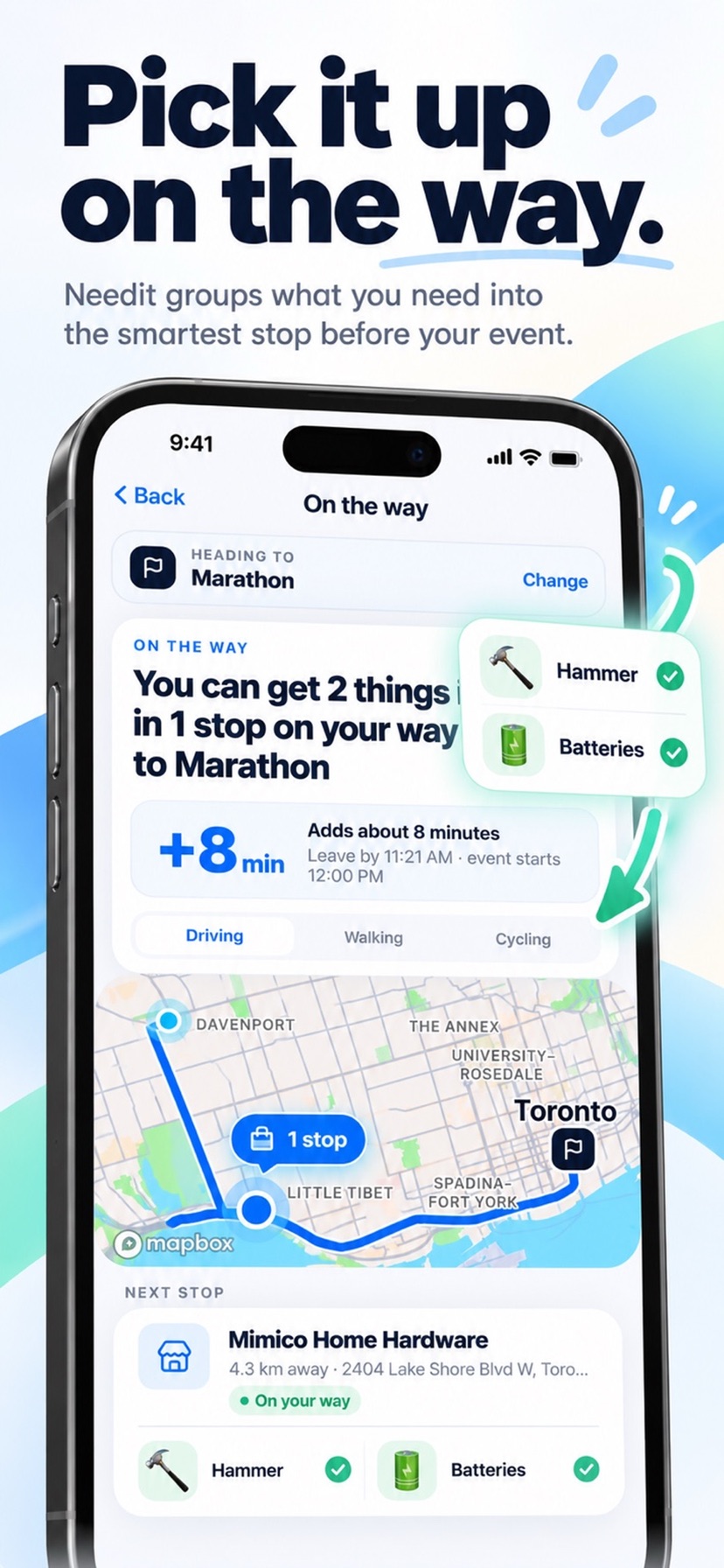
Heading to something? Needit groups what you need into the smartest stop on your way, tells you how many minutes it adds and when to leave, and walks you through the stop.
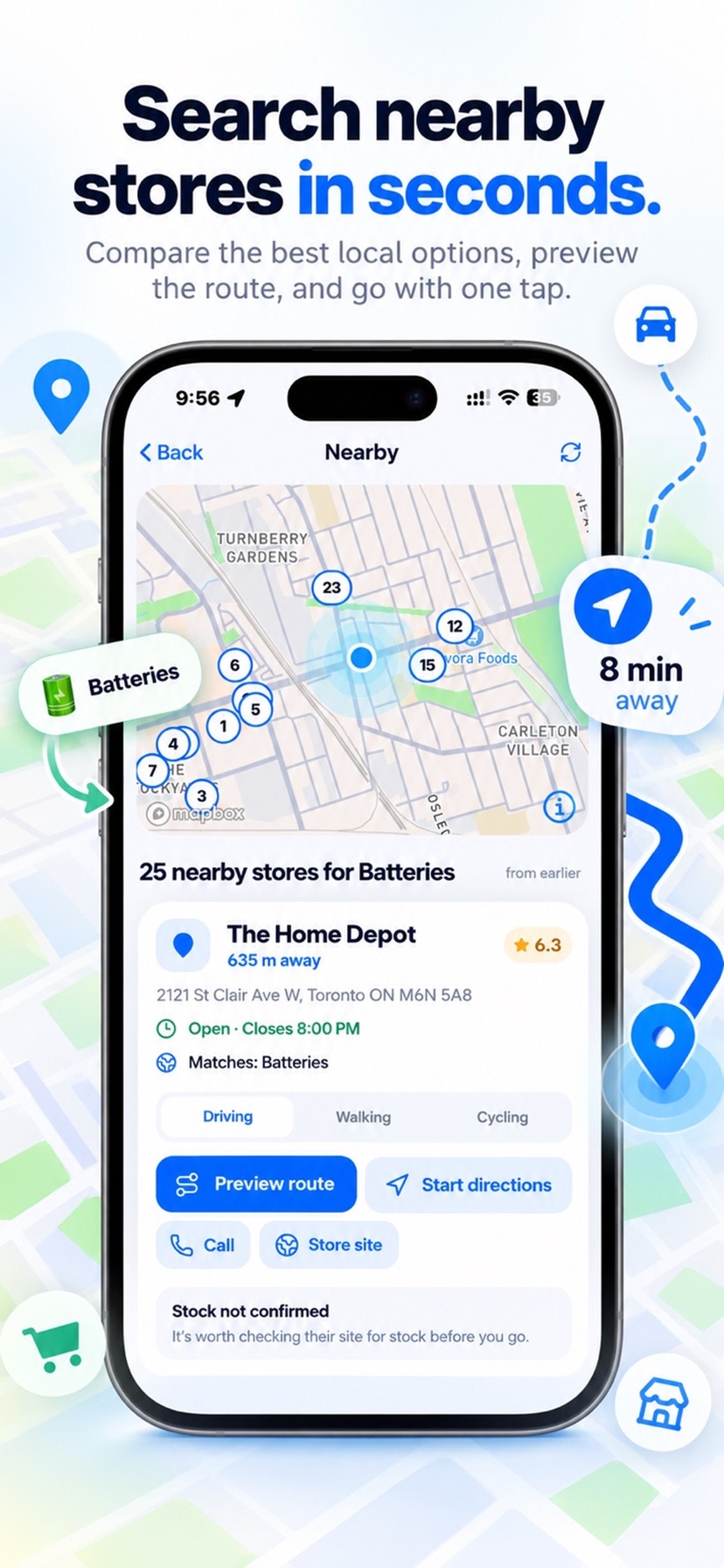
See every store near you that has what you need on a map, with today’s hours, directions inside the app, and a call or website one tap away.
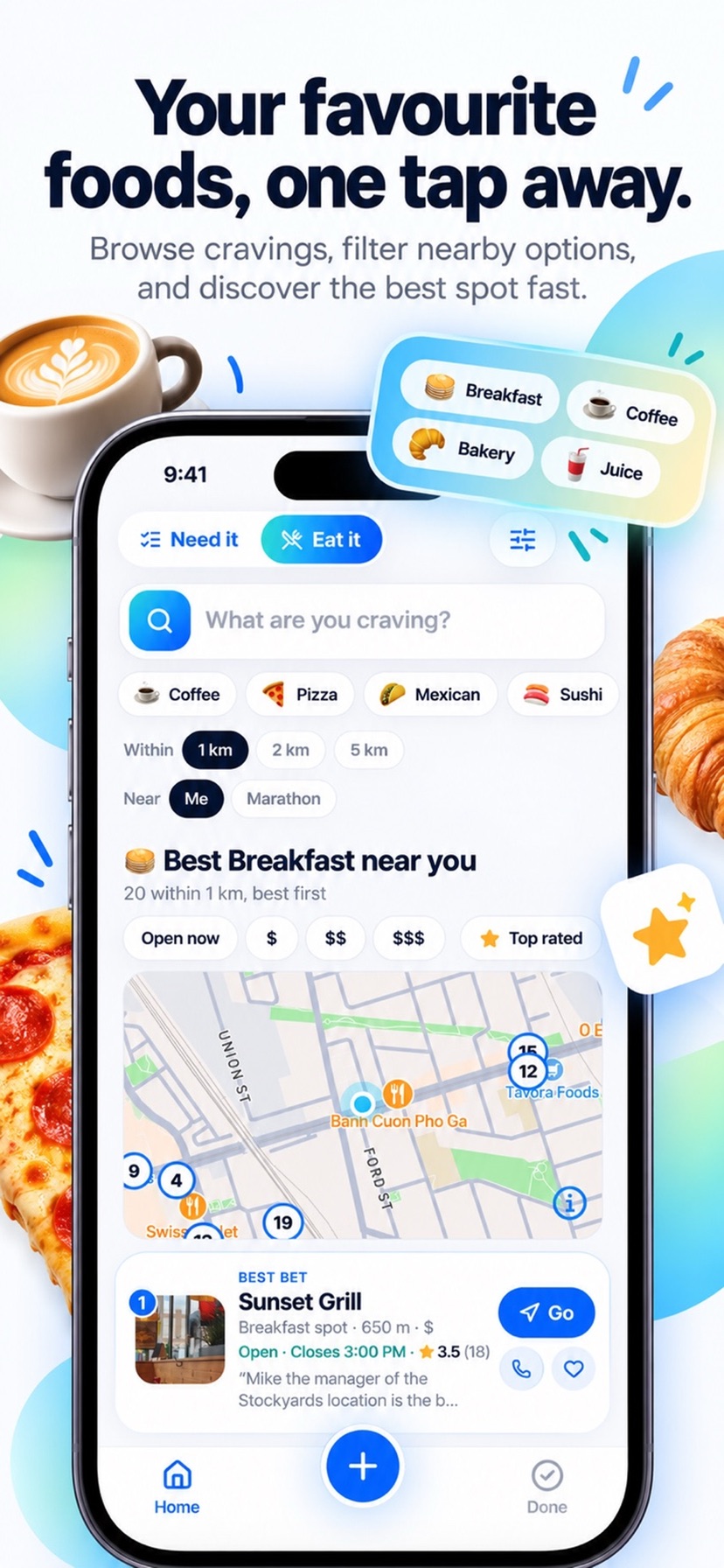
Switch to Eat it and say what you’re craving. Needit shows the best places around you, restaurants, cafés and bakeries only, best first.
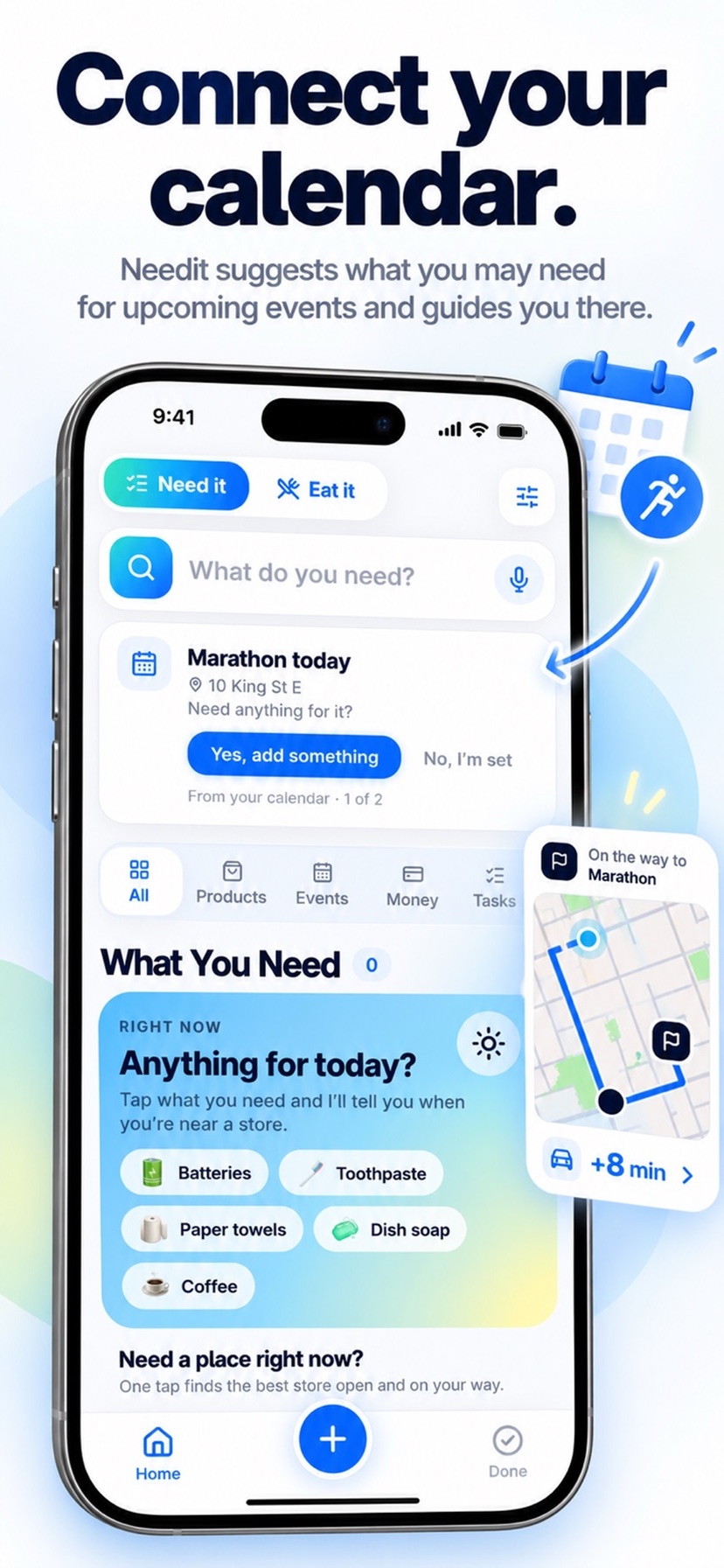
Connect your calendar and Needit asks if you need anything for what’s ahead, like the marathon this morning. Say yes and it plans the stop on your way there.
Needit alerts you when you’re genuinely near a store that has what you need, and stays quiet the rest of the time.
Add a Need without opening the app, from Siri, the Action Button, Control Center or a Home Screen widget.
Coffee, batteries, dish soap. What you buy again comes back with one tap.
Set aside for what’s coming. Needit plans it around your paydays and sends one summary, never a nag per item.
No account needed. Turn on a backup and it’s end-to-end encrypted, so nobody else can read it. Export or restore any time.
Step by step: where, when, who’s coming, your budget, what you’re into and what’s on. Real places and events, with what each day costs per person. Invite friends with a link, no app needed. A plan near home every week and one trip free; Needit+ plans as many as you like.
Share the errands with family or roommates. Whoever’s closest to the store gets the tap. End-to-end encrypted.
The closest emergency room, clinic, pharmacy or locksmith, with the right emergency number for the country you’re in.
A washroom, gas, a charger, cash or coffee: the closest open ones, near you or near any address.
Needit is built local-first. Location is used to find stores near you, never to build a timeline of where you’ve been.
 Needit by UnaviaTech
Needit is on its way to the App Store for iPhone. Want in early?
Join the TestFlight